Kingdom SMP Survival Setup | Medieval Minecraft Server
Explore the ZCraft Studios Kingdom SMP setup with medieval terrain, economy, auction house, shops, five crates, jobs, teams and survival progression.
Kingdom SMP: Medieval Minecraft Survival Server Setup
Kingdom SMP is a medieval-themed Minecraft Survival/SMP server setup designed around exploration, trading, player progression and community. It combines custom terrain with economy and player systems to give server owners a foundation for a kingdom-style survival world.
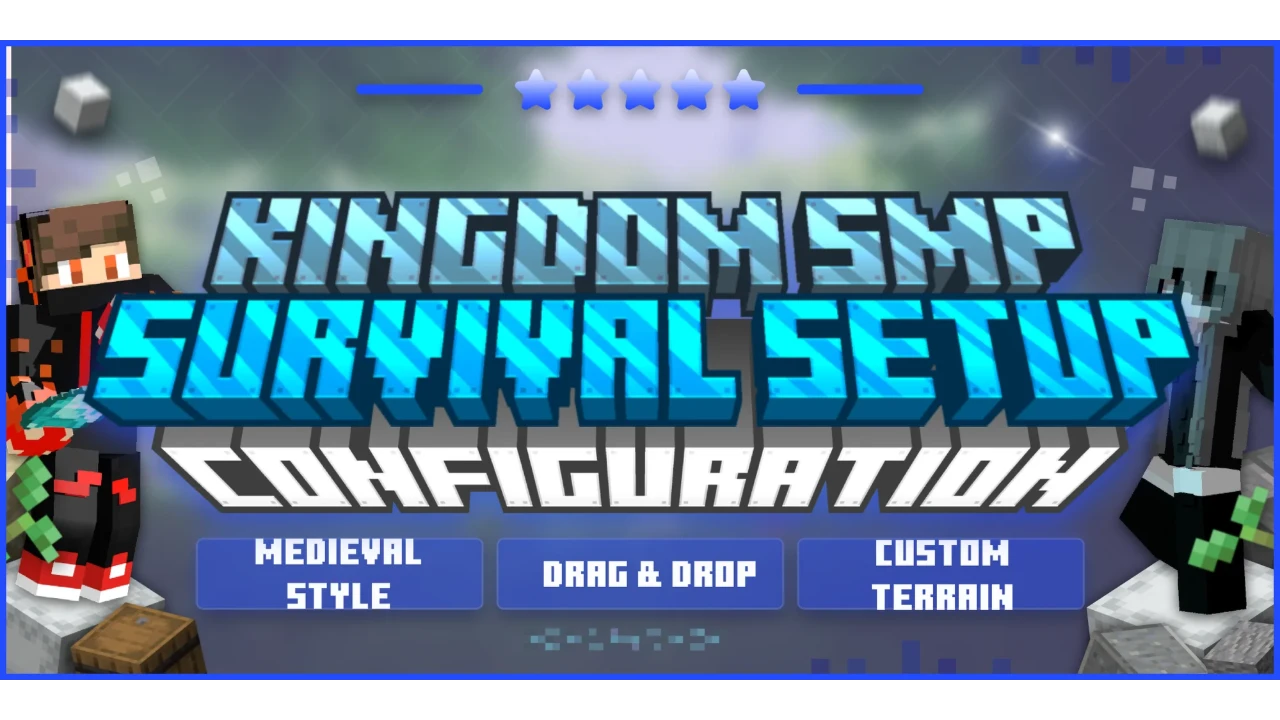
Product screenshots
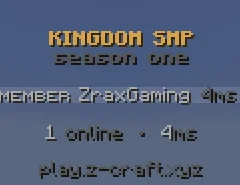

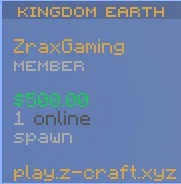
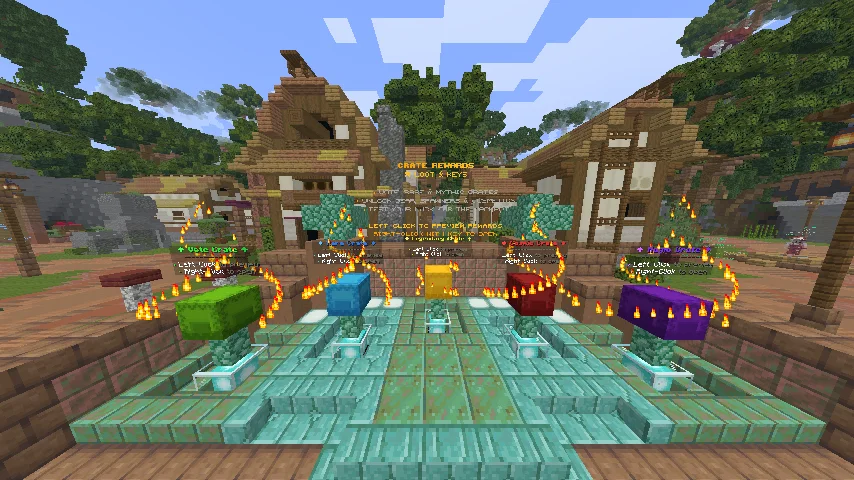


At a glance
| Details | |
|---|---|
| Resource type | Complete Minecraft survival server setup, not a single plugin |
| Minecraft version | 26.2 |
| Server software | Paper and Purpur |
| Theme | Medieval survival and kingdom-style progression |
| Main systems | Custom terrain, economy, shops, auction house, jobs, crates, teams and player utilities |
| Best starting point | A clean test server matching the release requirements |
The exact archive contents, plugin builds and release requirements can change. Check the current BuiltByBit listing and included README before installing.
See the Kingdom SMP Survival Setup listing on BuiltByBit for the current download, screenshots, release details and licence terms.
What is included
The product listing describes the following systems:
World and medieval identity
- A medieval-inspired survival theme
- Custom terrain designed for a more immersive world
- Warm gold and muted bronze visual accents
- NPCs and holograms for server information and interaction
Economy and trading
- Player economy using an EconomyShopGUI-based shop system
- Auction house for player listings
- Player-to-player trading through AxTrade
- Jobs system for additional ways to earn money
Rewards and progression
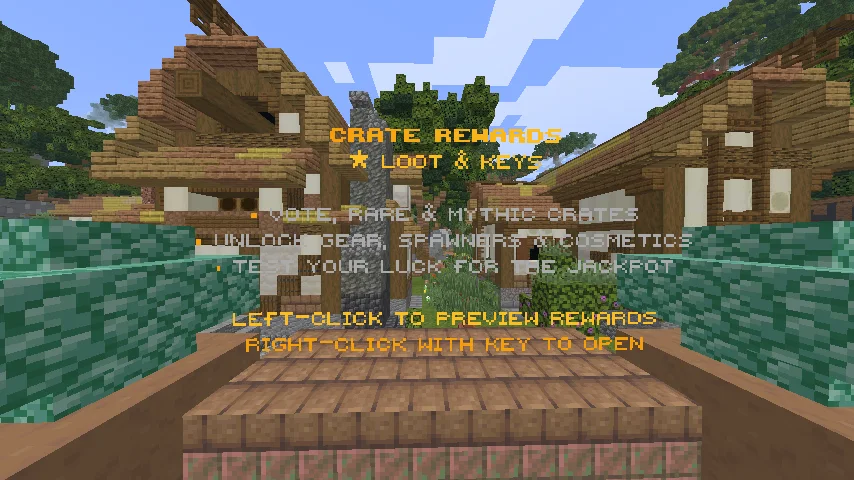
- Five crate configurations powered by ExcellentCrates
- Daily rewards
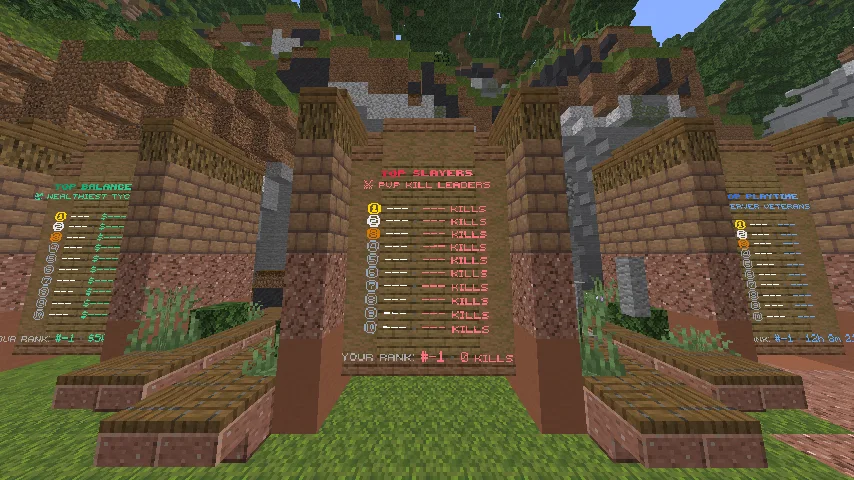
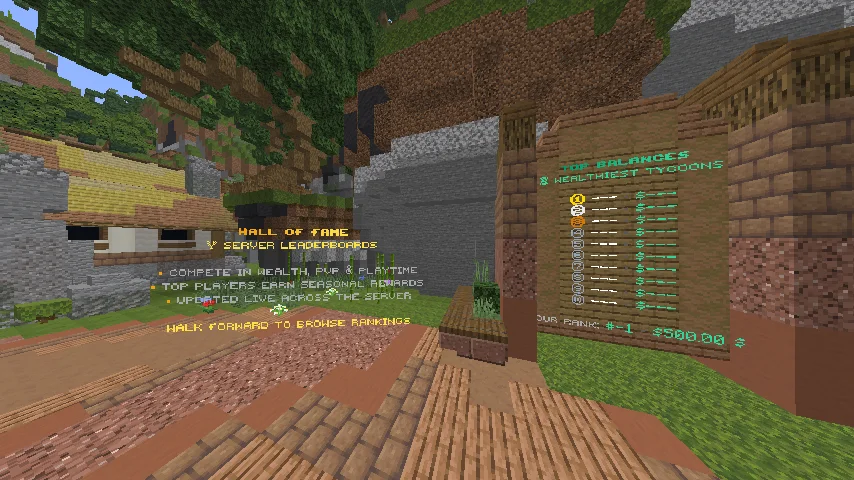
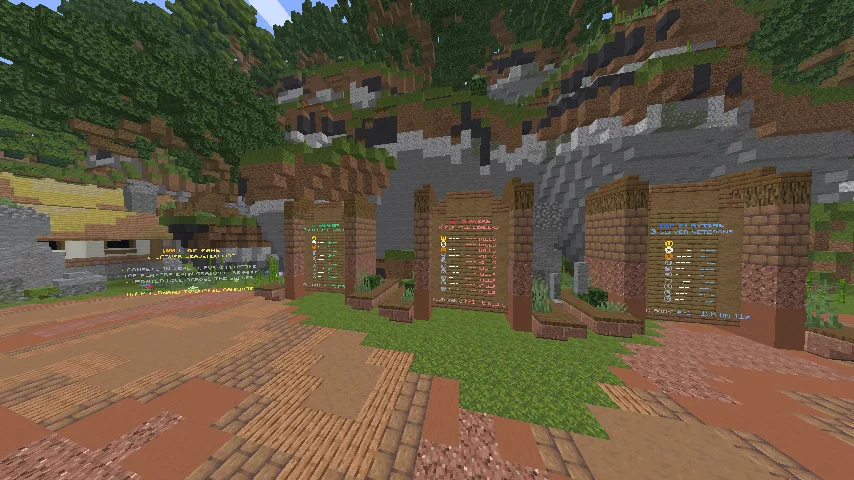
- Leaderboards and player statistics
- Teams for organizing players and their survival progression
Player convenience
- Homes
- Random teleport
- Customizable menus through CommandPanels
- Tablist and chat formatting through TAB and LPC
Administration and world management
- LuckPerms for ranks and permissions
- WorldGuard and Multiverse-Core for world management and protection
- FastAsyncWorldEdit for supported world-editing workflows
- ViaVersion and ViaBackwards for cross-version player access, subject to server and plugin compatibility
Included plugin ecosystem
The listing names plugins and systems including:
| Area | Included technologies named in the listing |
|---|---|
| Economy and trading | EssentialsX, Vault, EconomyShopGUI, AirAuctions, AxTrade |
| Rewards and progression | ExcellentCrates, Jobs, NDailyRewards, ajLeaderboards |
| Menus and presentation | CommandPanels, FancyNpcs, FancyHolograms, AdvancedServerList |
| Player systems | LeafHomes, Simple_RTP, sTeams |
| Administration | LuckPerms, WorldGuard, Multiverse-Core, FastAsyncWorldEdit |
| Interface and compatibility | TAB, LPC, PlaceholderAPI, ViaVersion, ViaBackwards |
Check the actual archive and product listing for exact plugin builds, included files and any separate plugin dependencies or licences.
Compatibility
The current BuiltByBit listing identifies Paper and Purpur and lists Minecraft 26.2. The included ViaVersion and ViaBackwards plugins are intended to help support players joining from other client versions, but this does not guarantee every client/server combination. Verify the current release information before deploying.
Who is this setup for?
Kingdom SMP is suited to server owners who want a medieval-themed survival or community SMP, a player-driven economy with shops and auctions, progression through jobs and rewards, teams and social gameplay, and a configured world and plugin ecosystem to customize rather than assemble from scratch.
It is a starting point for your own server identity. Review the supplied assets, licences and configuration before publishing a public server.
Installation workflow
Prepare a clean server
Use a fresh Paper or Purpur instance that matches the supported version in the current listing. Back up existing worlds and plugins before importing.
Inspect the download
Read the included README and identify world files, plugin folders, configuration files and resource-pack assets.
Import the world and configurations
Follow the README's folder mapping exactly. Do not merge the setup into a live server without a tested backup.
Check plugin dependencies
Verify that all included plugins load, and obtain any separately licensed or externally required plugins as directed by the product README.
Configure identity and permissions
Update server branding, ranks, permissions, community links, spawn details and sample text to match your network.
Test the player journey
Join with a non-operator account and test spawn, shops, auctions, jobs, crates, daily rewards, teams, homes and random teleport.
Customization checklist
Before launch, review server name and MOTD, spawn and world protection, economy starting balance and shop prices, auction and trading rules, job rewards, crate contents and reward probabilities, daily reward schedule, team permissions, rank inheritance, and placeholder/cross-version behavior.
Troubleshooting
| Symptom | What to check |
|---|---|
| Server fails during startup | Check the first plugin error, Java version and Paper/Purpur build. |
| A world or spawn is missing | Verify the world directory and server world settings against the README. |
| Shop, auction or trading commands fail | Confirm the related plugin is loaded and its dependencies are present. |
| Menus show unresolved placeholders | Check PlaceholderAPI and the required expansion/provider. |
| Crates or daily rewards do not work | Check ExcellentCrates, NDailyRewards and configured reward commands. |
| Players cannot use features | Review LuckPerms groups and permissions documented by each plugin. |
| Cross-version clients have issues | Check ViaVersion/ViaBackwards versions and actual supported client/server combinations. |
Related resources
- LifeSteal Server Setup
- Ultimate Skyblock Server Setup
- Minecraft plugin compatibility
- Installing a complete server setup